Addbase3dmodel
Start creating
English

Add base 3d model with a pedestal

Describe the base for your 3D model

Your model can be added after you continue to the studio

No model file is uploaded on this page.

Or start with an example

or
Explore the 3D studio Start a base project

How it works

  1. 1.Describe the base you have in mind or choose an example above
  2. 2.Continue to the studio and explore the tools available for your model
  3. 3.Review the result and choose from the studio’s available output options

Start with a direction

A base should support the model, not compete with it.

Choose a shape that follows the model's footprint, leaves room for the details that matter, and gives the final object a stable presentation surface.

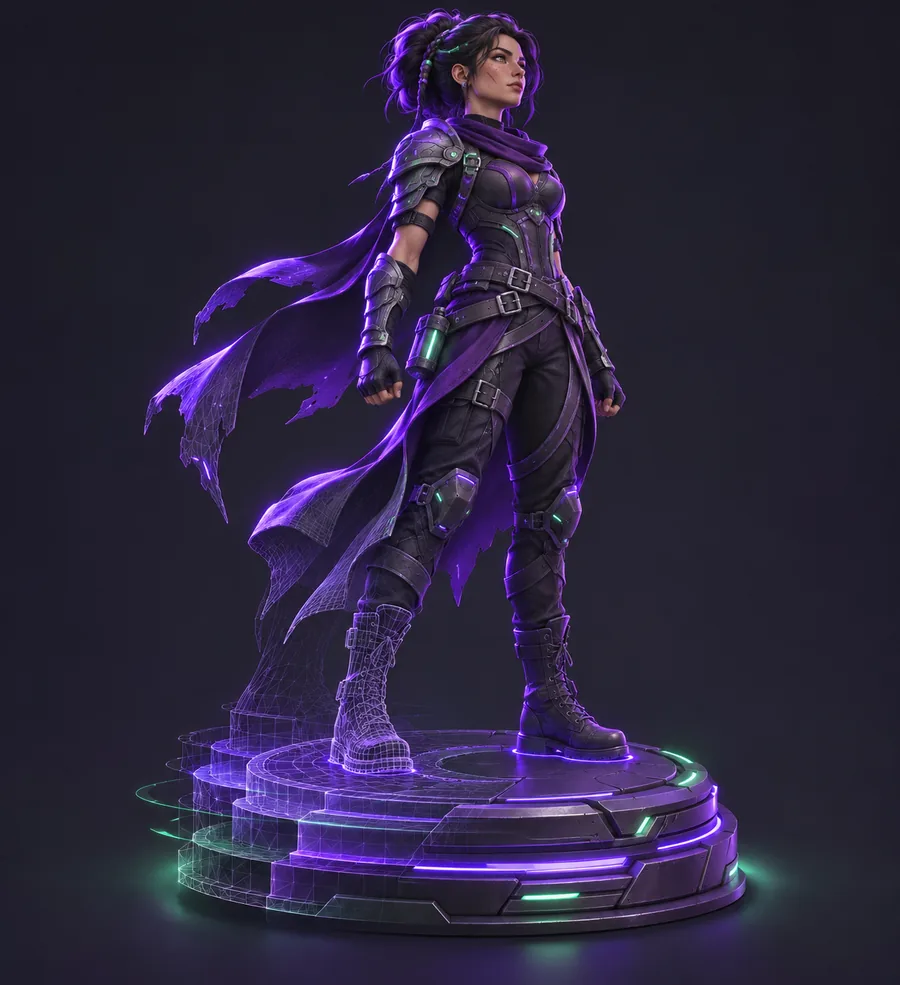
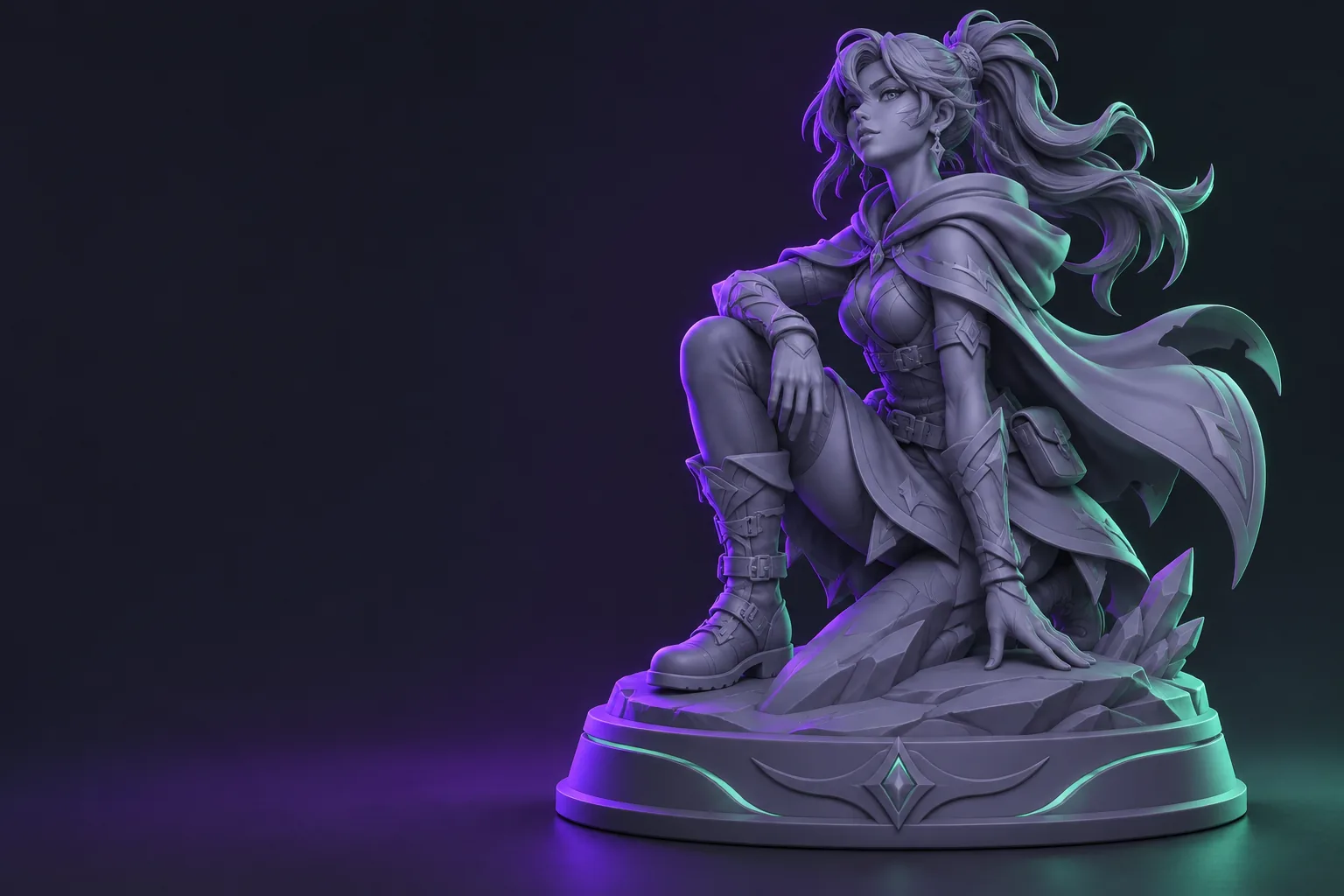
A character model settling onto a fitted round pedestal

Rounded support

A soft circular profile works well for figurines and compact character models.
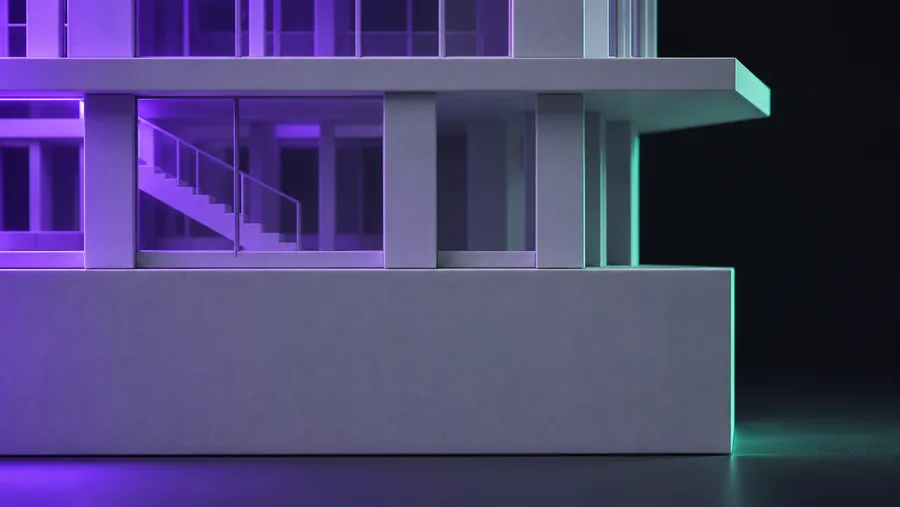
A miniature architectural model meeting a precise rectangular pedestal

Exact footprint

A shaped plinth keeps architectural and mechanical models balanced at the edges.
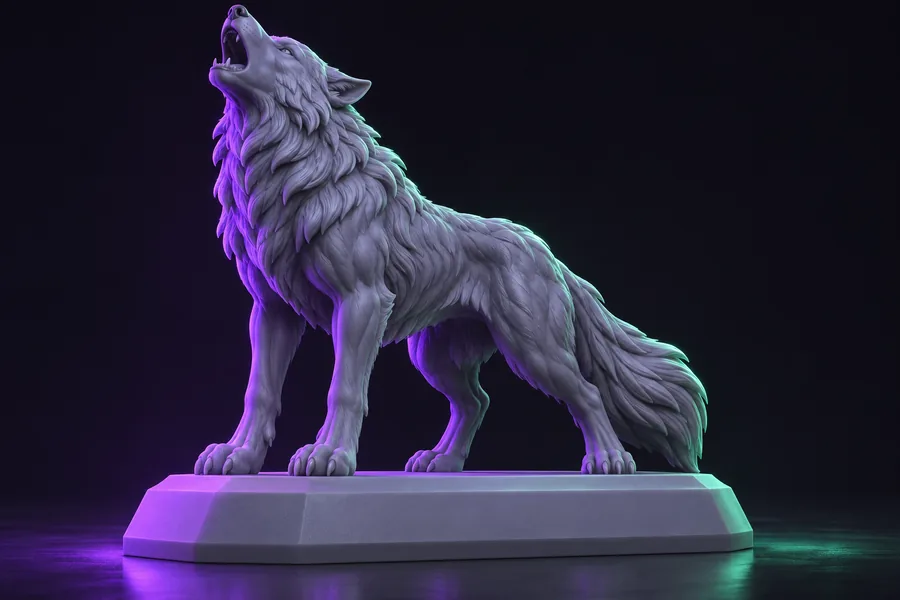
A sealed printable sculpture on a sturdy beveled base

Print-ready finish

A clean transition and sturdy lower edge help the finished object sit reliably.

A clearer workflow

From a floating mesh to a finished object.

Think through the support as part of the model. A good base gives the silhouette a place to land and makes the result easier to present, review, and prepare for fabrication.
  1. 1Describe the intent.Mention the object, the viewing angle, and the kind of support you want.
  2. 2Check the footprint.Keep the base wide enough for the model without hiding its important details.
  3. 3Continue to the studio.Use the next step to explore the available tools for your 3D model.
A collectible 3D model fused to a fitted presentation pedestal

For many kinds of models

Give every silhouette a grounded presentation.

See base examples
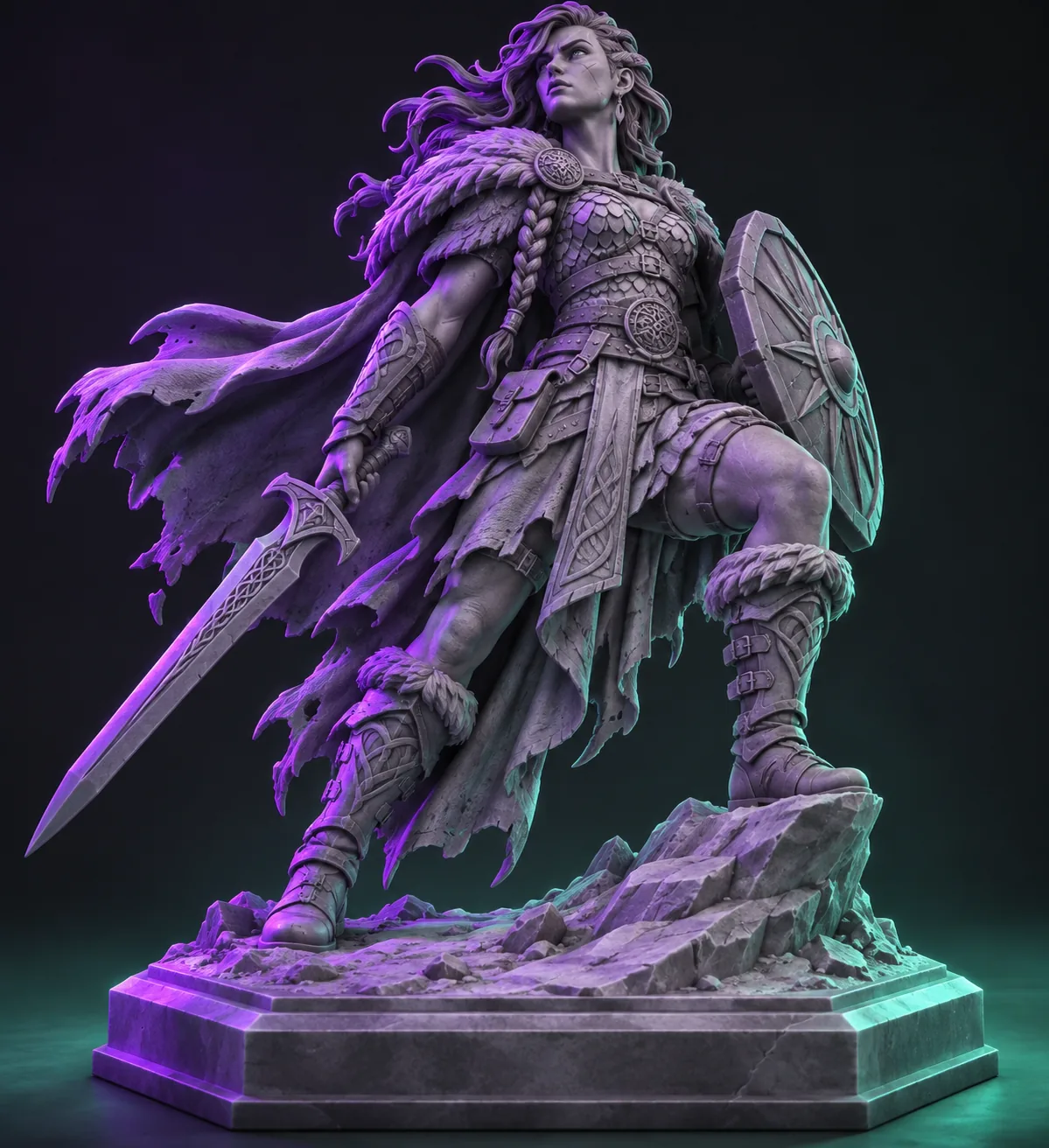
A warrior figurine fused to a broad octagonal display plinth

Characters and collectibles

Use a calm, sturdy plinth to make the pose and silhouette easy to read.
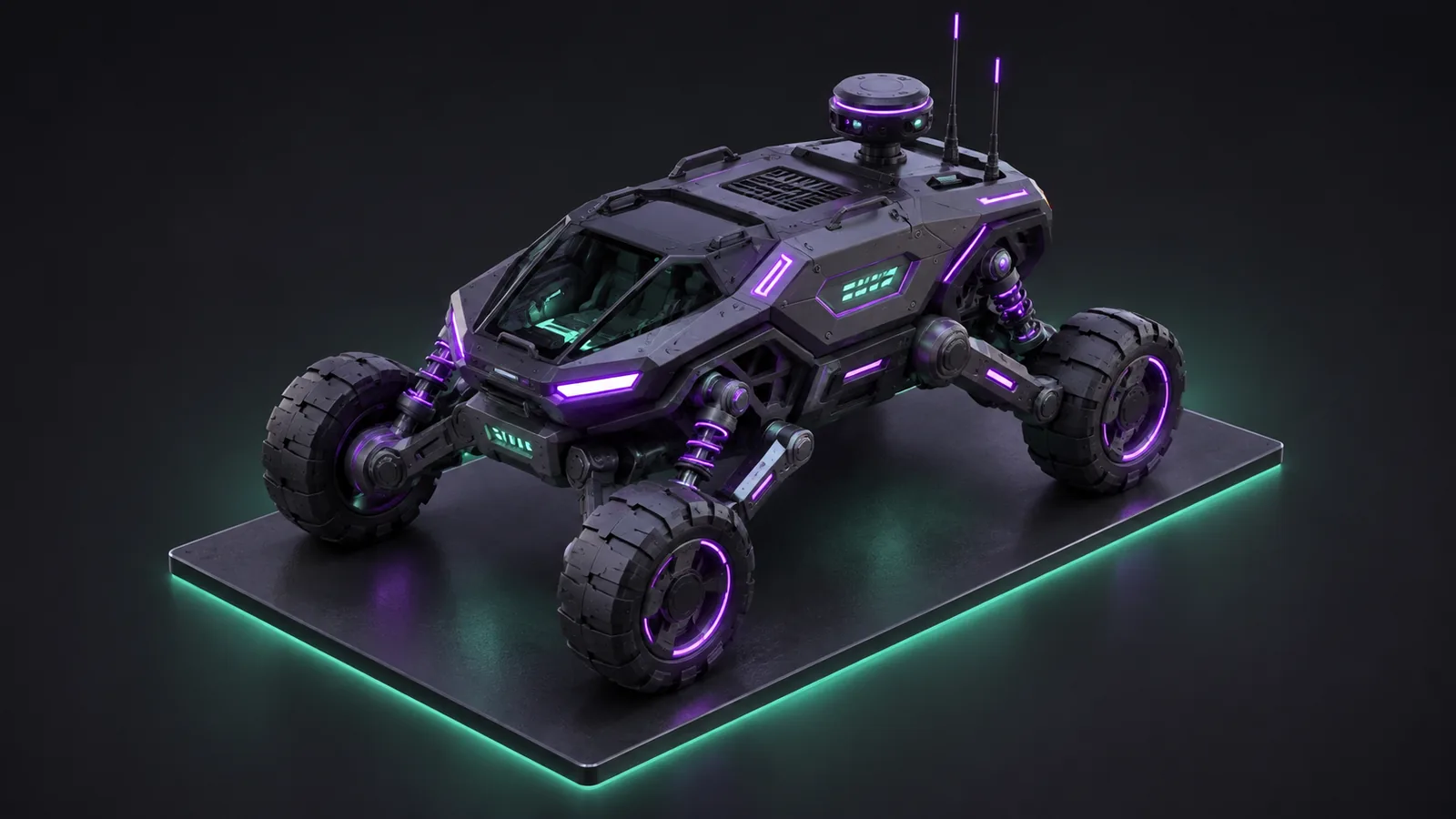
A compact sci-fi rover mounted on a thin rectangular presentation base

Vehicles and hard-surface work

Follow a technical footprint with a thinner support and clear edge definition.

Ideas to explore

The right base depends on the object above it. Compare a few different shapes before choosing the direction that fits your model.
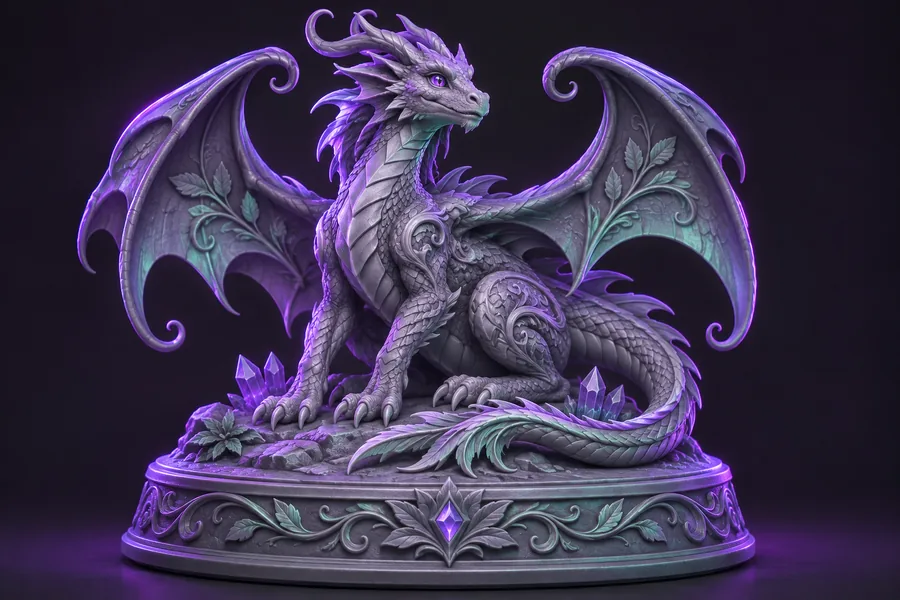
A dragon figurine on a rounded oval pedestal
Figurine
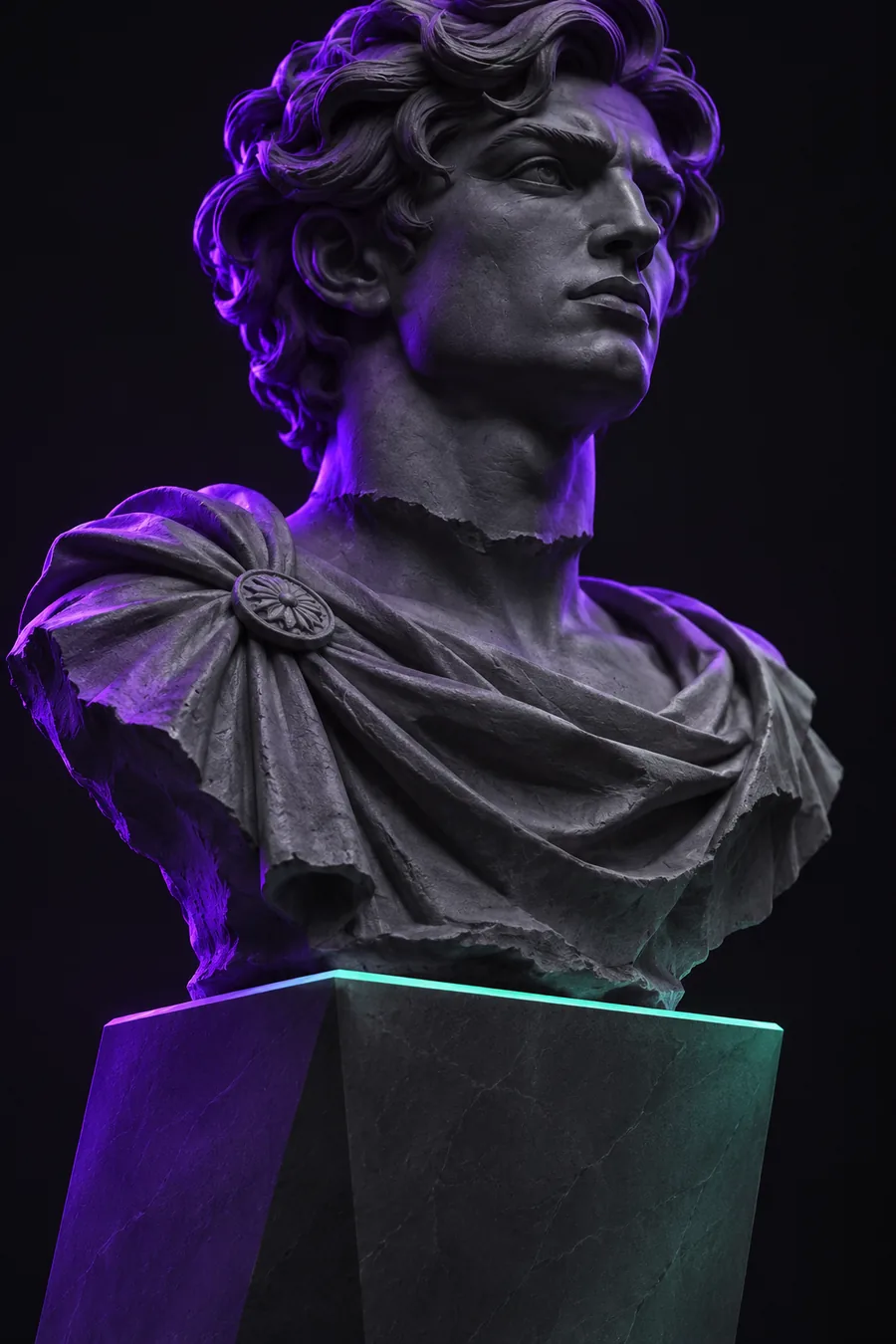
A sculpted bust on a tall tapered museum pedestal
Bust
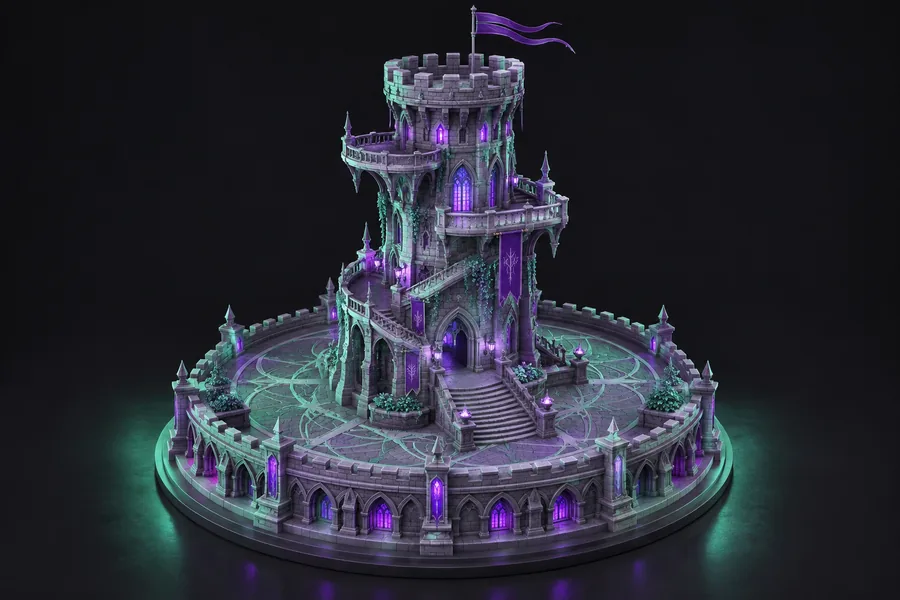
A miniature fantasy tower joined to a wide circular base
Architecture
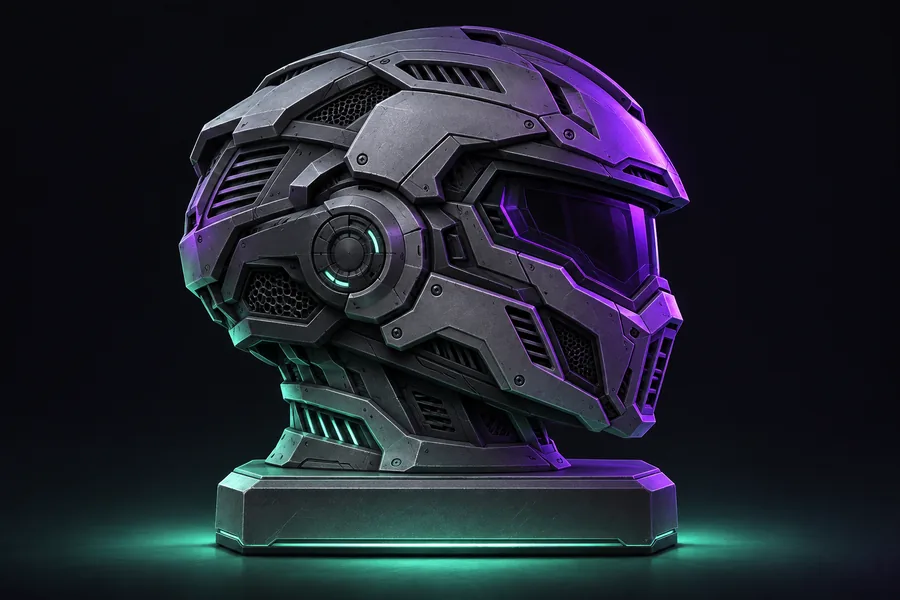
A mechanical helmet on a compact beveled rectangular base
Mechanical

Keep going

Have a base idea in mind?

Describe the support you want above, or read the practical guide for choosing proportions, edges, and a stable printable footprint.
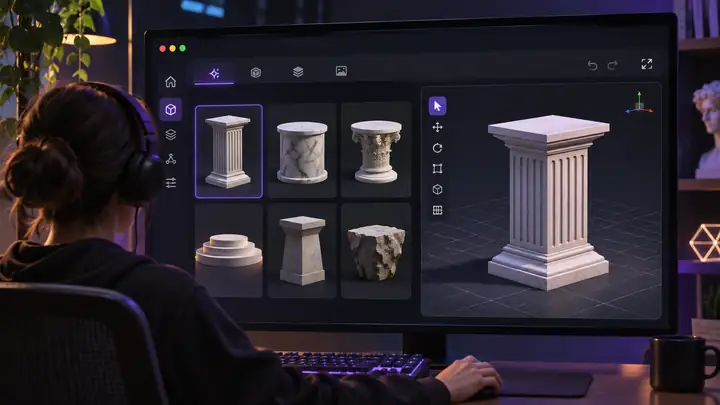
Open 3D studio Start creating